RFDuino Color Wheel
This is a basic tutorial that will get your RFDuino talking with your iOS device. We will be controlling an RGB LED through the iOS device -- changing it’s color and brightness.
RFduino Activity 1. Blink
This tutorial is a step-by-step guide for your very first project using RFduino.
RFduino Activity 0. Getting Started
In this tutorial, we go over how to properly setup the RFduino Development board.
Arduino Activity 8. Photoresistor
In this activity, we learn to control the brightness of an LED with the use of a photoresistor!
Arduino Activity 7. Servo
In this tutorial, we will hook up a servo to an Arduino and control it with a potentiometer.
Arduino Activity 6. Sound
In this activity we learn to make tones with our Arduino, and to control the volume of the tones.
Arduino Activity 5. Tilt Sensor
We can use a tilt sensor as a simple switch to signal the microcontroller when the Arduino board is tilted. Let's build a tilt-activated LED candle!
Arduino Activity 4. RGB LED
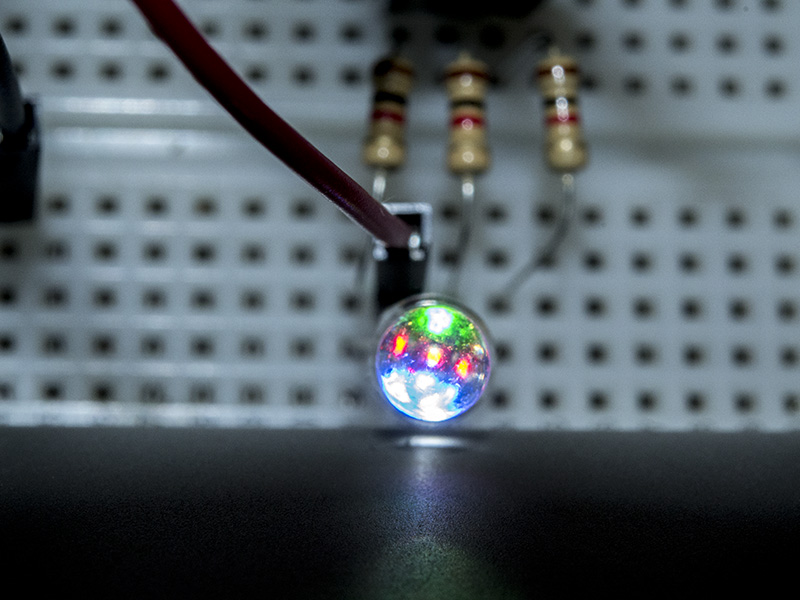
After using single-color LEDs in previous activities, we'll kick it up a notch and use a multi-color (RGB) LED for emitting light in a beautiful blend of colors.
Arduino Activity 3. Push Button
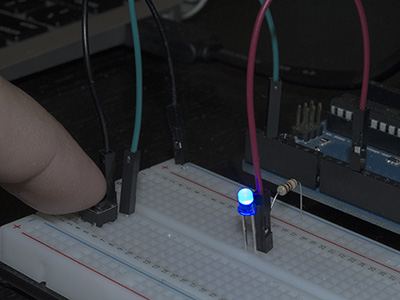
For controlling an output such as the light emitted by an LED, it's useful to have an input signal such as a push button or switch!